Astleyizer
Turn everyone into Rick Astley.
1. Description
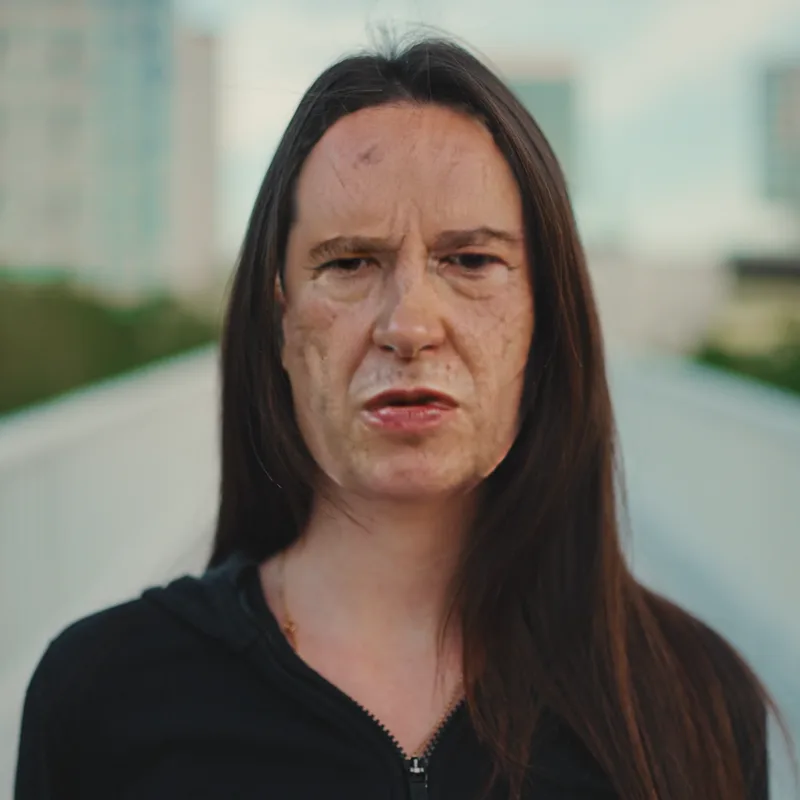
Astleyizer finds every face in the frame and swaps it for Rick Astley's, no masks or tracking needed. Frames without a face are left untouched.
Tick Do the hair too to give hair and beards Rick's ginger-red, and in After Effects, one click adds the song to your comp. It is free.
Requirements
- Mac: Apple Silicon or Intel. Uses Core ML when available.
- Windows 64-bit: uses an NVIDIA GPU (CUDA) when available, otherwise the CPU.
- The installer is required: it downloads the AI models.
2. Installation
2a. Baskl installer (all host apps)
Every Baskl plugin installs through the Baskl installer. It sets up AI Machine, the local engine the plugins run on, and puts Astleyizer in the right place for After Effects, Premiere Pro and OFX hosts (DaVinci Resolve, Nuke). Close your host apps before running it.
macOS
- Click Download on baskl.ai, unzip
Baskl.Installer.zipand openMac/Baskl Installer.app. You need an Apple Silicon Mac; the installer stops on Intel Macs. - If macOS asks, confirm you want to open an app downloaded from the internet, then enter your Mac password so the installer can write to the system plug-in folders.
- Click Let's Get Started, select Astleyizer in the plugin list and click Install. The first install also downloads AI Machine, so give it a few minutes.
- When you see Installation Complete, restart your host app. The effect is in the Baskl category.
Windows
- Click Download on baskl.ai, unzip
Baskl.Installer.zipand runWindows\Baskl Installer.exe. - Click Yes when Windows asks to allow the app to make changes. The installer needs administrator rights.
- Click Let's Get Started, select Astleyizer in the plugin list and click Install. On NVIDIA cards the installer picks the matching CUDA build for you. The first install also downloads AI Machine, so give it a few minutes.
- When you see Installation Complete, restart your host app. The effect is in the Baskl category.
Activating your license
- After Effects / Premiere Pro: in After Effects, click Register at the top of the effect in Effect Controls (next to Reset), paste your license key and click Activate. In Premiere Pro, click the small icon button at the top right of the effect in Effect Controls to open the same dialog. The license is saved for the whole computer, so registering in one of the two apps covers the other.
- Resolve / Nuke: click Register at the top of the effect's controls, paste your license key and confirm. Once activated, the button reads License Info.
- Where to find your key: if you bought on baskl.ai, it is in your purchase email and under Account → My Licenses, with a Copy button. If you bought on aescripts + aeplugins, activate through the aescripts + aeplugins manager app, or paste the key from your aescripts account into the same Register dialog.
- Without a license, Astleyizer runs as a trial: everything works, but renders carry a watermark until you register. Activation needs an internet connection, and each key works on a limited number of computers (shown under My Licenses).
3. Parameters
Controls
- Want a useful plugin?
-
The Check out Anonymizer button opens a link in your browser. Anonymizer is our plugin for real face anonymization.
- Do the hair too
-
Also recolors hair and beards to Rick's ginger-red. Off by default. Only applied on frames where a face is found.
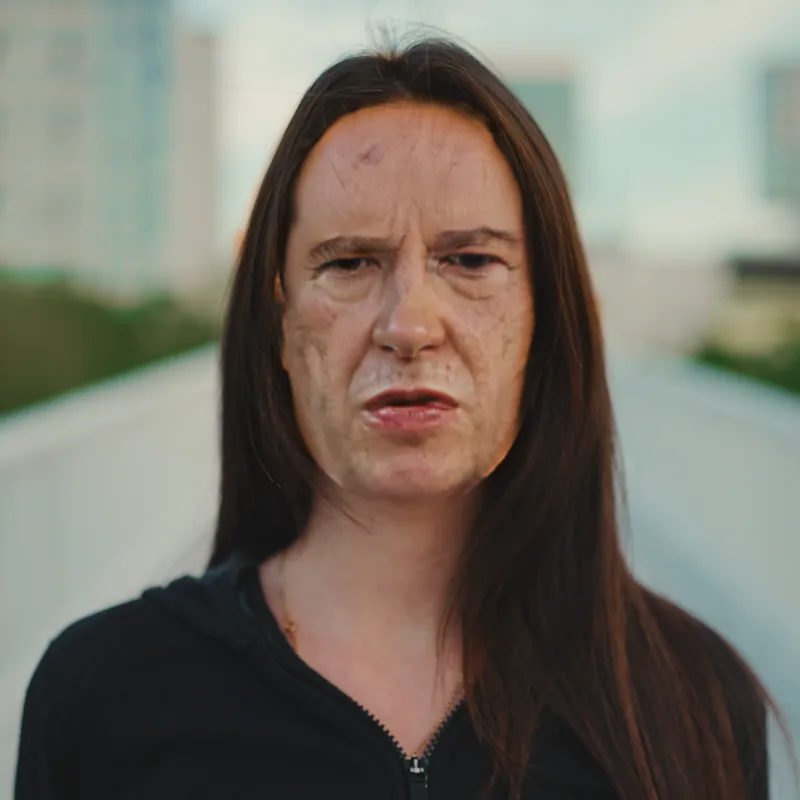
Do the hair too, off against on. - Never gonna let you down
-
After Effects only: the Add the song! button adds the song as an audio layer named Rick Rolled at the bottom of the composition, starting at 0 and trimmed to the comp length. Clicking it again does not add a second copy.
Examples
- Result
-
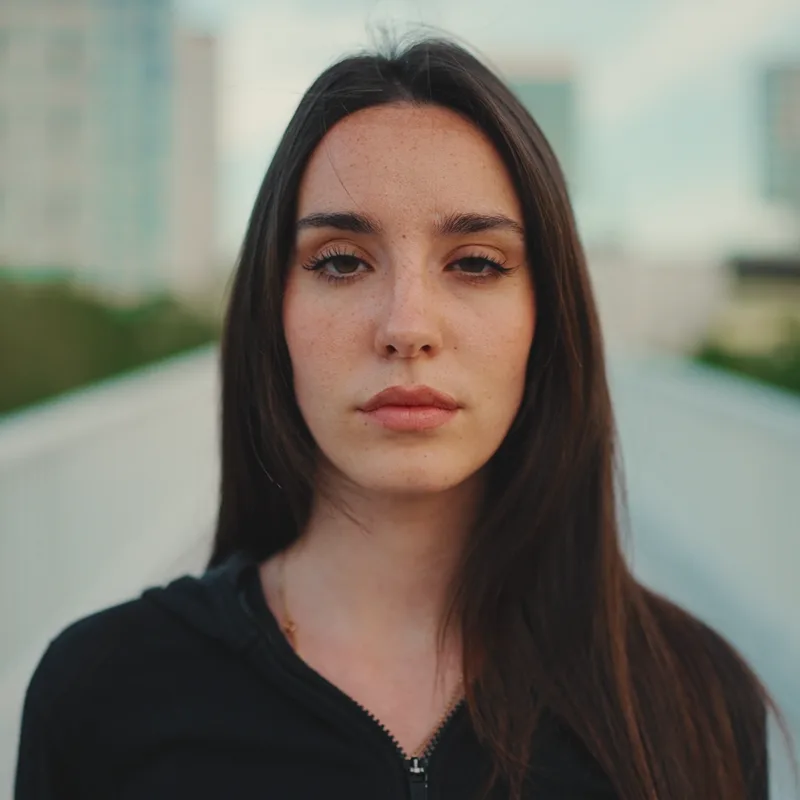
Applied with default settings.